THE DIY APPROACH
Every image.
Another round of setup.
- Write and adapt the instructions yourself
- Carry app context between individual tasks
- Check, name, and package the files
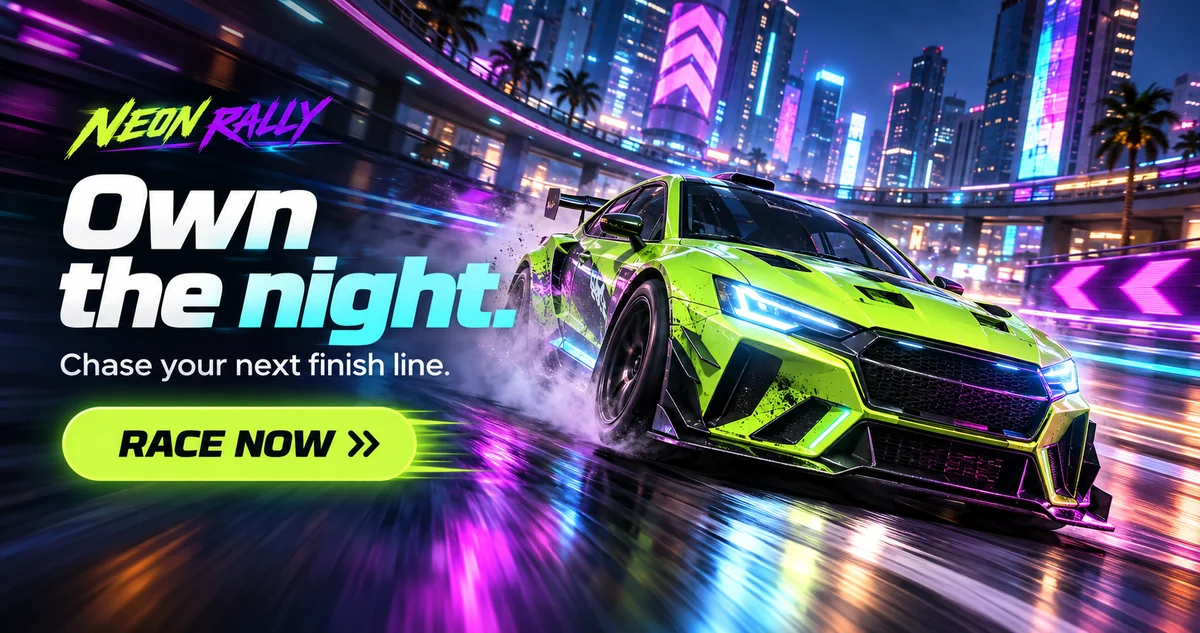
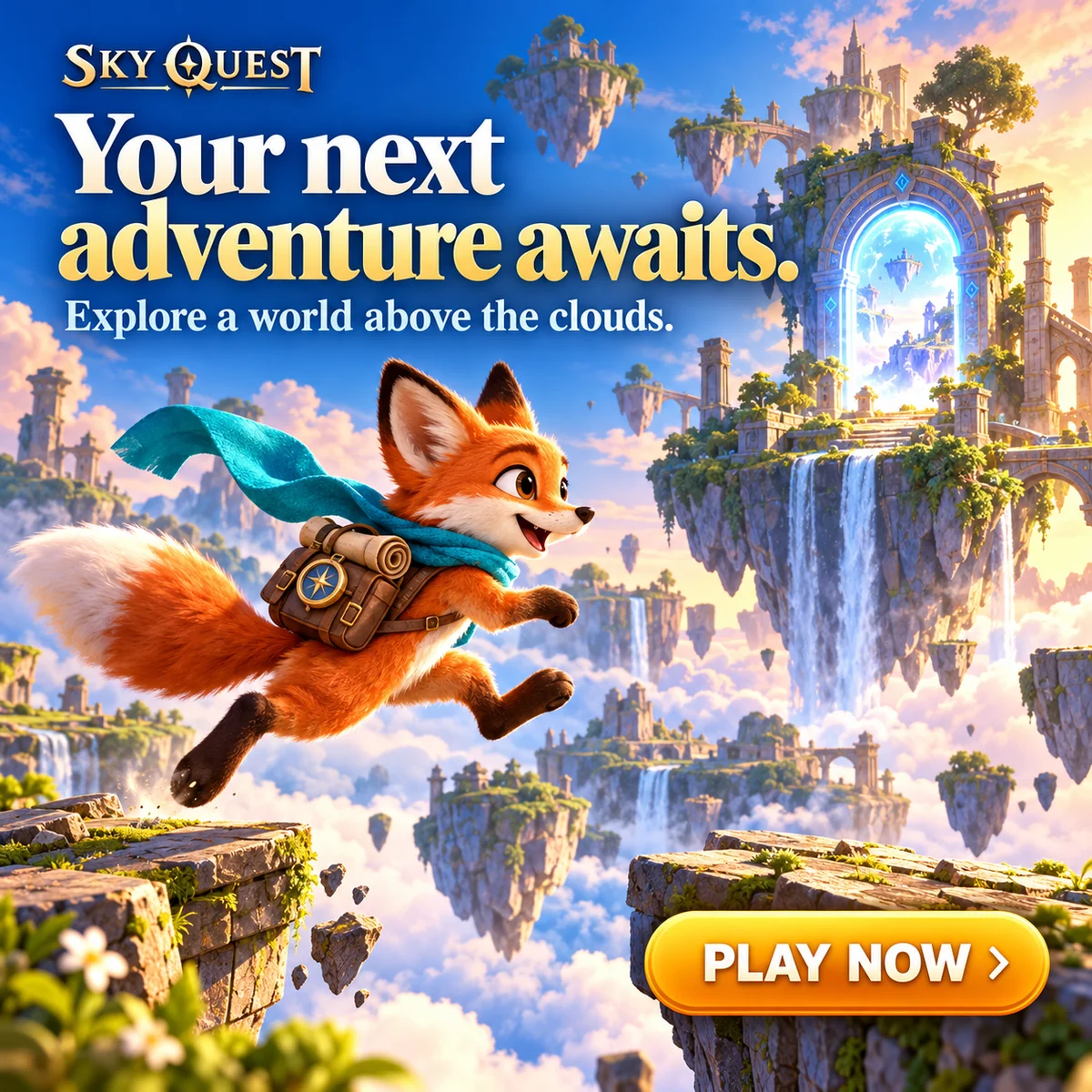
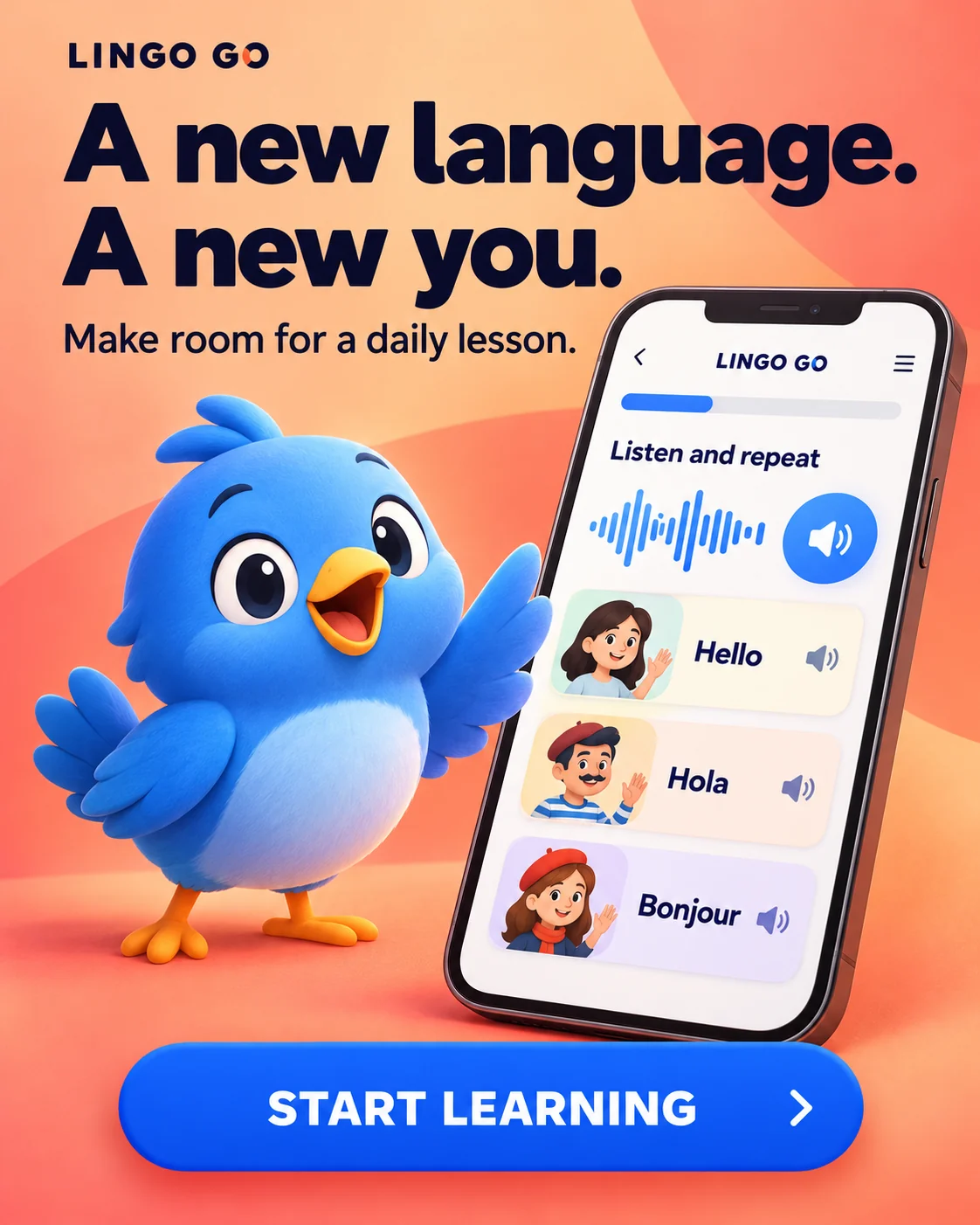
Create artwork, headlines, and calls to action for Google App Campaigns from one brief.
THINK IN CAMPAIGNS
Create a set with one message and visual direction. Choose your formats, review the images, and download the set.
One message.
A shared direction.
LESS REPETITIVE WORK
Keep your brief, app details, visual references, and creative set together in one workspace.
THE DIY APPROACH
 THE CRAFTAD APPROACH
INTEGRATED IMAGE AI
Generate image ads from your brief, app screenshots, and visual references. Choose Creative Effort in Studio and see the credit total before generating.
REUSABLE APP CONTEXT
Save your app name, description, and store link. Reuse those details when you start your next brief.
Create an app profile SAVED APP PROFILELingo Go✓
CraftAd is an AI ad creative tool for app marketers and makers. It turns a shared brief into a set of static advertising images for Google App Campaigns, with artwork, your headline, and your call to action rendered into each image.
Standard uses 1 credit per image. High with reference images uses 2. Studio shows the total before generation. See Pricing for credit packs.
Choose landscape, square, and portrait image sizes in Studio, including presets for Google App Campaigns. Download images individually or as a ZIP.
Yes. Add an app screenshot and a style reference to your brief. App profiles save your app details for reuse. Review generated text and visual details before publishing.
CraftAd prepares image exports for the selected Google Ads specifications. You review the creative and upload it to your ad account. Technical formatting does not guarantee ad-policy approval or campaign performance.
Yes. New accounts receive 10 welcome credits. No payment card is required. See Pricing for credit packs.